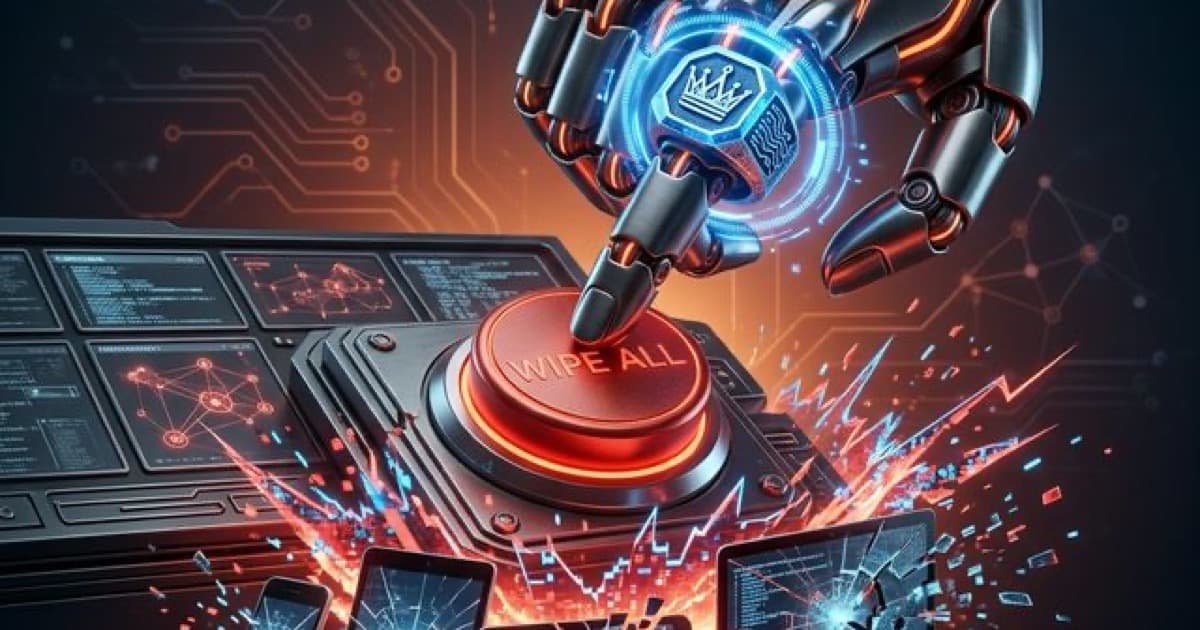
The recent cyber attack on Stryker Corporation, a global medical technology giant, has sent shockwaves through the business world. On March 11, 2026, a devastating "wiper" attack disabled approximately 200,000 devices globally, halting manufacturing and wiping personal data from employee phones. This was not a typical ransomware attack where hackers ask for money. This was a targeted act of destruction designed to paralyse a company's entire operation.
For small business owners in Australia, the scale of the Stryker incident might feel far removed from daily operations. However, the methods used by the attackers are exactly the same ones used against local SMEs. The attack did not rely on complex viruses or secret backdoors. It succeeded because of a single point of failure in a common business tool. Understanding how this happened is essential for anyone serious about small business cyber security.
The Danger of "God Mode" Administrative Accounts
The attackers behind the Stryker breach did not need to hack 200,000 individual computers. They only needed to compromise one single account. By gaining access to a Global Administrator account for Stryker’s Microsoft Intune platform, the hackers gained "God Mode" over every device managed by the company.
Microsoft Intune is a popular tool used by many Australian businesses to manage mobile phones, laptops, and security settings. In the wrong hands, this tool becomes a weapon. Once the attackers had control, they simply issued a "Remote Wipe" command to every device on the network. In seconds, years of work, sensitive data, and even personal photos were deleted.
The lesson is clear: No single person or account should have the power to destroy your entire business with one click. We recommend implementing Privileged Access Management (PAM) to ensure that high-impact actions require multiple levels of approval.
Wipers vs Ransomware: A New Era of Destruction
Most business owners are familiar with ransomware, where files are encrypted and held for a fee. The Stryker incident was a "wiper" attack, which is far more dangerous. In a wiper attack, there is no ransom note and no key to get your data back. The goal is total destruction.
This shift in tactics means that traditional recovery plans are no longer enough. If your business relies on a slow cloud backup to restore your data, a mass-wipe event could leave you offline for weeks.
- Ransomware wants your money.
- Wipers want your business to stop existing.
- Recovery from a mass wipe requires a "bare metal" restoration plan that most SMEs currently lack.
The BYOD Trap: Why Personal Phones are a Liability
Many Australian businesses operate a "Bring Your Own Device" (BYOD) model. Staff use their personal iPhones or Android devices to check work emails and access company files. At Stryker, many of these personal devices were managed by the company’s central IT system.
When the wipe command was issued, it did not distinguish between corporate spreadsheets and personal family photos. Employees lost everything on their phones, including their personal banking apps and Multi-Factor Authentication (MFA) tools. This creates a secondary security crisis where staff can no longer log into their own personal accounts to secure them.
If you allow staff to use personal devices for work, you must use "Work Profiles" to segregate data. This ensures that if you ever need to wipe company data, the employee's personal memories remain safe.
4 Practical Steps for Small Business Cyber Security
You do not need a multi-million dollar IT budget to prevent a Stryker-style disaster. You just need to close the most obvious doors. Here is how to start.
1. Audit Your Global Administrators
Check your Microsoft 365 or Google Workspace settings today. How many people have "Global Admin" rights? If the answer is more than two, you have too many. Most staff only need "Standard" user rights. Reducing the number of high-level accounts reduces your "attack surface" immediately.
2. Move to Phishing-Resistant MFA
The Stryker attackers likely bypassed standard MFA through a technique called "MFA Fatigue" or by stealing login tokens. Standard text message codes are no longer enough. We recommend moving to hardware keys or passkeys, which are significantly harder for hackers to intercept.
3. Treat Management Tools as Critical Infrastructure
Tools like Intune, TeamViewer, or any remote management software are the keys to your kingdom. These tools must be locked down with the strongest possible security settings. If you use a third-party IT provider, ask them exactly how they are securing the tools they use to manage your network.
4. Test Your "Total Loss" Recovery Plan
Ask your IT team a simple question: "If every laptop in the office was wiped clean tomorrow morning, how long would it take to get us back to work?" If the answer is longer than 24 hours, your current backup strategy is not protecting you from a wiper attack.
Summary
The Stryker cyber attack is a wake-up call for every business owner. It proves that the tools we use to stay secure can be turned against us if we do not manage them properly. By removing "God Mode" accounts and securing your management platforms, you can ensure your business is not the next victim of a mass-wipe event.
If you are concerned about your current administrative setup or want to test your resilience against these new threats, we can help. Cubit Cyber specialises in identifying these hidden risks before they are exploited.
To understand where your business stands, we offer a free initial consultation - get in touch.